
FREE Fancy Feast Christmas OrnamentNov 9 – Nov 20, 2026
›
Don't Miss the Good Stuff! Get Freebie Alerts →
Take SwagGrabber With You! Get Our FREE App →
Get Social →



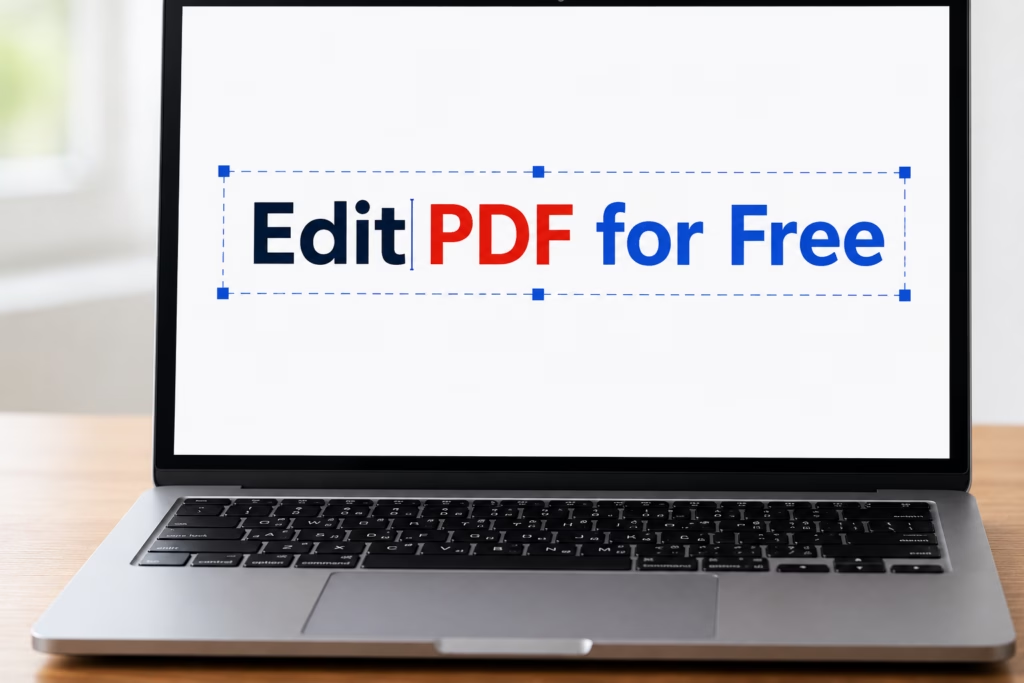
Since so much of our work and life happens online now, being able to edit PDFs is a necessity. But face it—Adobe Acrobat Pro is EXPENSIVE!
I don’t know about you but normally I just need to sign a form, fix a typo, or merge a few pages. Luckily, you can do all of that for $0 using these free alternatives.
Swag Strategy: If you only need to sign a document, don’t download heavy software. Use a browser-based editor. They are faster, work on mobile, and don’t take up space on your computer!
You don’t need a “Pro” subscription to handle basic document tasks. Most free tools now allow you to:
Sejda is one of the few online editors that actually lets you edit the existing text in a PDF for free. Most other “free” tools only let you white out text and type over it.
The Catch: The free version has a limit of 3 tasks per day, which is plenty for most of us!
If you need to convert files, this is your spot. It has dozens of tools to turn PDFs into Word, JPG, Excel, and more. It’s browser-based and very easy to use on a phone or tablet.
This is a favorite because it is completely free with no hourly limits. You can edit, split, merge, and even remove passwords from protected PDFs without creating an account.
If you prefer to have software installed on your computer, LibreOffice is the best free alternative to Microsoft Office. Its “Draw” feature allows you to open a PDF and move text boxes or images around just like a graphic design program.
Very reliable and secure. It offers a “Convert PDF to Word” tool that is famous for keeping your original formatting exactly the same. Great if you have a complicated layout that you don’t want to mess up.
If you have a massive PDF and just need to rotate pages, split them into separate files, or merge multiple docs together, this open-source tool is the fastest way to do it offline.
Security Note: When using online editors, your files are usually deleted from their servers within an hour. However, for extremely sensitive documents (like tax returns), I always recommend using an offline tool like LibreOffice for extra peace of mind.
Most reputable sites (like the ones on our list) use SSL encryption and delete your files from their servers within an hour of processing. However, if you are working with extremely sensitive information like tax returns or medical records, we recommend using an offline tool like LibreOffice Draw for maximum security.
Yes, but not all “free” editors are created equal. Many only let you “white out” and type over text. Sejda is one of the best for actually clicking into an existing sentence and changing the words, though they do have daily usage limits for free users.
You no longer need to print, sign, and scan! Most free PDF editors have a “Sign” tool that allows you to draw your signature with your mouse/touchpad or upload a photo of your signature. Once placed, you can resize it to fit the signature line perfectly.
It can, especially if the document has complex tables or overlapping images. Tools like SmallPDF and TinyWow have the best engines for maintaining your original layout during the conversion process.
Some files are encrypted with a permission password by the creator. If you own the document but forgot the password, tools like TinyWow offer an “Unlock PDF” feature that can often remove these restrictions so you can make your changes.
“Work smart, save hard.” Find more Tech Hacks at SwagGrabber.