

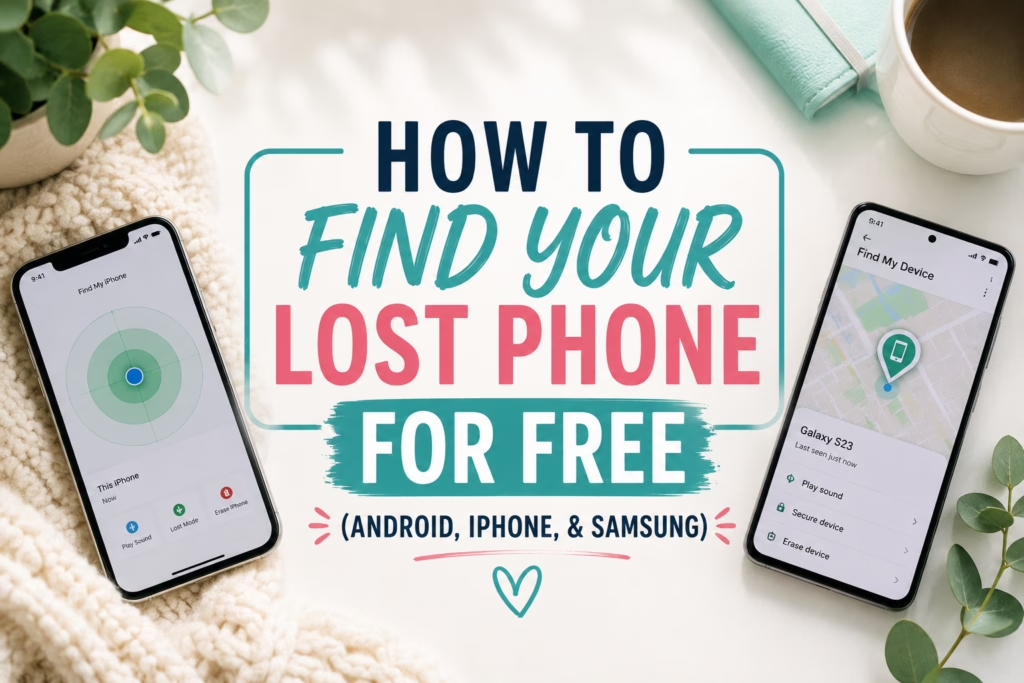
There is nothing quite like that heart-stopping moment when you reach into your pocket and realize your phone is gone. Whether you left it in an Uber (guilty!), dropped it in the grass, or it was stolen, you don’t have to pay a “locator service” to find it.
Modern smartphones have genius tracking tools built right in. In fact, in 2026, many of these tools can even find your phone if the battery is dead or it’s not connected to the internet. Here is your complete guide to finding any phone for free.
1. Finding an Android Phone (Google)
Google recently updated their system to the “Find My Device” Network. It uses billions of other Android devices to help locate yours—even if it’s offline.
- The Link: android.com/find
- How to use it: Log in with the Gmail account attached to your phone. You can see it on a map, “Play Sound” to make it ring (even on silent), or “Secure Device” to lock it and display a message for whoever finds it.
- Pro Tip: If you have a Pixel 8 or newer, you can often find the phone even if it’s powered off or the battery has died!
2. Finding an iPhone (Apple)
Apple’s “Find My” network is the gold standard. If you have an Apple Watch or iPad, you probably already know how to “ping” your phone, but what if you lose everything?
- The Link: icloud.com/find
- How to use it: You don’t even need a 2-factor code to log in here (which is great if your phone is your only way to get codes!).
- The “Offline” Trick: iPhones can be found for hours after the battery dies using the Find My network. If it shows up on the map, it’s likely still where it says it is!
3. Finding a Samsung Galaxy
While Google’s tool works for Samsung, SmartThings Find is actually more powerful for Galaxy users.
- The Link: smartthingsfind.samsung.com
- The Advantage: It can remotely turn on “Power Saving Mode” to make your battery last longer while you’re hunting for it, or even back up your data to the cloud remotely before you wipe it.
What to do if your phone is GONE (Stolen)
If you see your phone moving on the map or it’s in a location you don’t recognize, do not go there yourself.
- Enable “Lost Mode”: This locks the screen and can display your “Reward if Found” phone number.
- File a Police Report: They will need your IMEI number (which you can find inside the Google or Apple find-it tools under “Device Info”).
- Contact your Carrier: Have them mark the device as stolen so it cannot be activated on another network.
Frequently Asked Questions
Can I find my phone if the battery is dead?
Yes. In 2026, most modern smartphones (iPhone 11+, Pixel 8+, and recent Samsung models) have a “power reserve” feature allowing them to be located for several hours after the battery dies.
Can I find my phone if it is offline or has no SIM card?
Yes. Google and Apple use encrypted Bluetooth networks. Nearby phones securely send your phone’s location back to you, even without a Wi-Fi or cellular connection.
Should I use a “Free IMEI Tracker” website?
No. Many sites claiming to be “Free IMEI Trackers” are scams. Only trust official tools from Google, Apple, or Samsung, or your carrier’s official portal.
How do I find my IMEI number if I don’t have my phone?
Log into your Google Find My Device or Apple ID dashboard on a computer. Look under “Device Information.” You will need this number for police reports and insurance.