

Free House Plans & Design Software: 10 Ways to Design Your Dream Home for Less
This post may contain affiliate links. We may earn a small commission at no extra cost to you. Affiliate Disclosure.
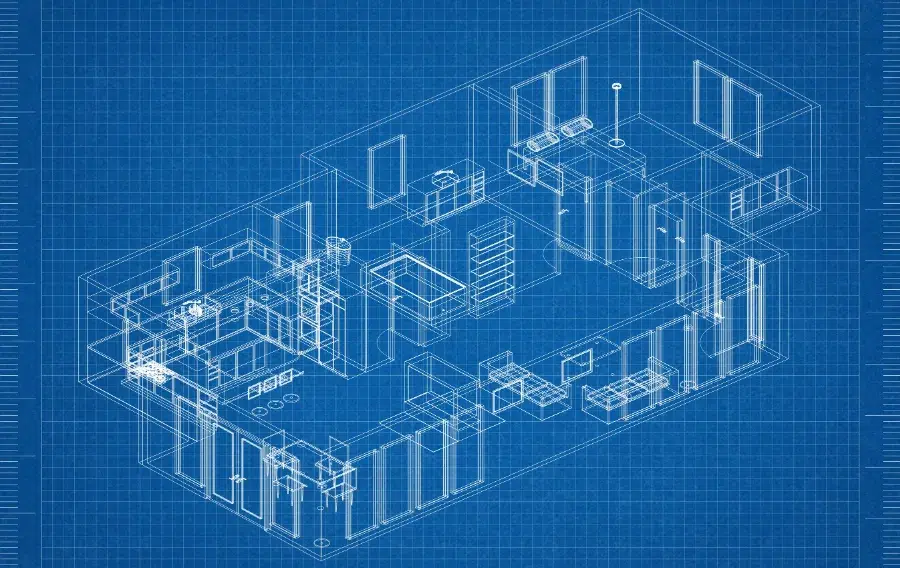
Designing your dream home is exciting, but paying for professional blueprints before you’ve even figured out your layout? Not so much! The good news is that there are plenty of ways to find free house plans, floor plan ideas, and home design software online.
Whether you’re planning to build a house, remodel your kitchen, or just daydream about your future home, you can get started without spending a dime. And you don’t need to be an architect to use most of these resources!
Where Can You Find Free House Plans?
Before getting started, there’s one important difference to understand: free floor plans aren’t always free construction blueprints.
Some websites let you design your own home, others let you browse existing layouts, and a few offer downloadable drawings. Here’s a quick comparison. Click any resource to jump to its details below.
| Resource | Best For | What’s Free? |
|---|---|---|
| SketchUp Free | 3D home design | Browser-based modeling |
| Sweet Home 3D | Beginners | Floor plan design and 3D previews |
| Floorplanner | Quick layouts | Basic designs and watermarked exports |
| RoomSketcher | Room planning | Basic projects and 3D snapshots |
| Planner 5D | Interior design | Basic design tools |
| House plan websites | Ready-made layouts | Plan previews; full blueprints usually cost extra |
| Historic archives | Vintage house plans | Publicly accessible historic drawings |
1. SketchUp Free – Design Your Own House in 3D
If you enjoy getting creative, SketchUp Free is worth checking out.
This browser-based program lets you create 3D models of rooms, buildings, and other projects. You can experiment with walls, room sizes, and layouts to see how your ideas might look.
You also get access to the 3D Warehouse, which contains models created by other users.
Best for: People who want to visualize their home in 3D.
Keep in mind: SketchUp has a learning curve, and its free version isn’t a substitute for professional construction drawings.
2. Sweet Home 3D – Free House Design Software for Beginners
Want something a little easier to learn?
Sweet Home 3D lets you draw floor plans, add doors and windows, and arrange furniture while viewing your design in 3D.
It’s particularly useful if you’re remodeling an existing home or trying to decide whether your furniture will fit in a new space.
You can experiment with different room arrangements before spending money on renovations.
Best for: Beginners, remodeling projects, and furniture layouts.
What’s free: The open-source desktop software. Some separately distributed versions and services may cost extra.
3. Floorplanner – Create Free Floor Plans Online
Floorplanner is one of the simpler ways to create a floor plan without downloading software.
Start with an empty room, add walls and doors, and experiment with furniture placement. You can switch between 2D layouts and 3D views.
The free Basic account allows multiple projects and access to a large furniture library.
Best for: Quick floor plans, room layouts, and home design ideas.
What’s the catch? Free image exports are standard-definition and include a watermark. Higher-quality exports and additional features require credits.
4. RoomSketcher – Plan Your Home Room by Room
If you’re trying to decide where everything should go, RoomSketcher is another option.
Its free subscription lets you draw floor plans, add furniture, and create low-resolution 3D snapshots.
You can work on up to two projects with the free plan, making it useful for testing a kitchen remodel, bedroom layout, or new home design.
Best for: Homeowners who want to experiment with layouts and room sizes.
What’s the catch? Finished floor plan downloads and some advanced 3D features require payment or credits.
5. Planner 5D – Experiment with Home Designs and Decorating Ideas
Planner 5D is another option for creating layouts and experimenting with interior design.
You can sketch rooms, arrange furniture, and explore different styles using its visual design tools.
This is especially handy when you know the look you’re going for but aren’t sure how to arrange everything.
Best for: Decorating, furniture placement, and visualizing a new room.
What’s free: Basic design features. Some furniture, rendering tools, and advanced features require a paid plan.
6. Browse Free House Plan Previews Online
Maybe you don’t want to design a house from scratch. You just want to see what other people have come up with!
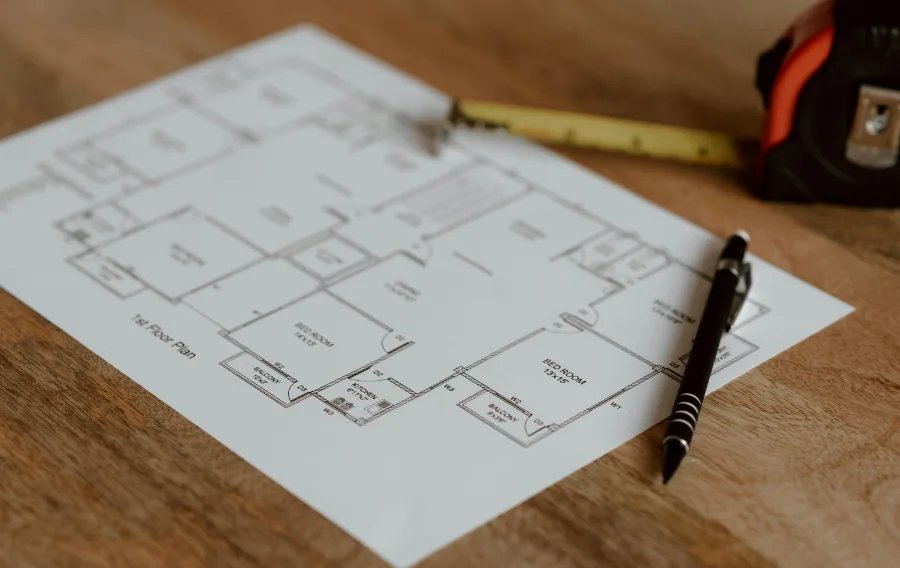
House plan websites are useful for comparing layouts, bedrooms, bathrooms, garages, and square footage.
A few places to browse include:
- HousePlans.com – Browse house designs by style, size, and number of bedrooms.
- Dream Home Source – Explore floor plans and architectural styles.
- The House Designers – Find inspiration for everything from small cottages to larger family homes.
Important: These websites generally sell construction plans. Browsing their layouts and previews is free, but downloading complete blueprints typically isn’t.
Still, they’re useful for figuring out what you like before paying for a design.
7. Find Free Historic House Plans
Love old Craftsman bungalows, traditional farmhouses, or vintage cottages?
Historic archives can be a treasure trove of interesting floor plans.
One of the best places to start is the Library of Congress Historic American Buildings Survey.
This collection includes historic photographs, architectural drawings, and documentation of American buildings.
You can also explore Google Books for digitized vintage house catalogs, including older Sears home designs.
These resources are especially useful for studying traditional layouts and architectural details.
Keep in mind: Historic plans may not meet modern building codes, and availability or reuse rights can vary by drawing.
8. Explore Open-Source House Designs
If you’re interested in smaller homes, sustainable construction, or unusual building methods, open-source building projects are worth exploring.
Start with WikiHouse, which shares information about an open-source building system.
You can also explore the Open Building Institute for ideas related to affordable and sustainable construction.
These projects aren’t necessarily collections of ready-to-build free house blueprints, but they can provide useful designs, technical ideas, and resources.
Always check licensing terms and whether a particular design is appropriate for your location.
9. Check Your Local Library for Free House Plan Books
Here’s an option people often overlook: your local library!
Many libraries have books filled with house plans, remodeling ideas, architectural styles, and floor plan examples.
Depending on your library, you might find:
- Small house and cottage plans
- Farmhouse and Craftsman designs
- Kitchen and bathroom remodeling books
- Homebuilding and construction guides
- Digital design books you can borrow online
You can browse different styles without purchasing a stack of expensive books.
And if your library doesn’t have what you want, ask whether it can request a book through interlibrary loan.
10. Use Pinterest and DIY Communities for Free Floor Plan Ideas
Pinterest isn’t just for decorating inspiration. It’s also full of floor plan ideas!
Try searching for:
- Small house floor plans
- Free farmhouse floor plans
- 3 bedroom house layouts
- Tiny house floor plan ideas
- Open concept kitchen layouts
You can save your favorites to a Pinterest board and compare different layouts.
Communities like Reddit’s r/floorplan can also be useful for seeing how other people arrange their spaces and discussing layout ideas.
Just remember that a floor plan shared online isn’t automatically free to reproduce or use for construction.
How to Design Your Own House for Free
Ready to put all those ideas together?
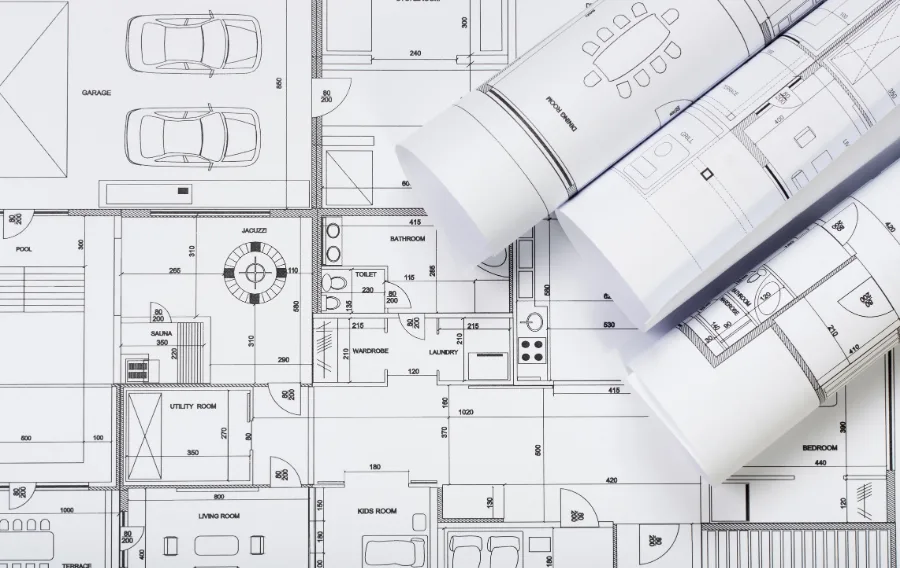
You don’t need to start with anything complicated. Here’s a simple approach:
- Browse existing house plans. Save a few layouts that match your preferred size and style.
- Make a must-have list. Think about bedrooms, bathrooms, storage, a pantry, garage space, and outdoor living areas.
- Choose free design software. Start with Sweet Home 3D or Floorplanner if you’re new to floor planning.
- Experiment with the layout. Move rooms around, adjust dimensions, and consider how people will move through the house.
- Save your ideas. Keep sketches, screenshots, measurements, and notes together for future reference.
Even if you eventually hire a professional, having a clear idea of what you want can make the design process easier.
Are Free House Plans Good Enough to Build With?
Usually, not by themselves.
There’s a big difference between a floor plan that shows where the kitchen goes and a complete set of construction documents.
A build-ready plan may need structural details, foundation specifications, electrical and plumbing information, and other documents required by your local building department.
Some locations also require plans to be prepared or reviewed by a licensed professional.
Use free house plans for inspiration and early planning, not as a guarantee that you’re ready to start construction.
Which Free House Design Tool Should You Try First?
If you’re not sure where to begin, here’s what I’d recommend:
- For beginners: Sweet Home 3D
- For quick floor plans: Floorplanner
- For detailed 3D ideas: SketchUp Free
- For remodeling and room layouts: RoomSketcher
- For existing house designs: HousePlans.com and other plan galleries
- For vintage inspiration: Library of Congress
The best part? You can try several approaches before deciding whether you need to pay for professional design help.
Start Planning Your Dream Home Without Spending a Fortune
Whether you’re building a new house, remodeling an older one, or just collecting ideas for someday, there are plenty of free resources to help you get started.
My suggestion? Browse existing floor plans first, then use free design software to experiment with your favorites.
That way, you’ll have a much better idea of what you want before spending money on blueprints or professional design services.
Looking for more ways to save? Check out our money-saving tips for more budget-friendly ideas.