


If you are a student or teacher with a valid .edu email address, you can stop paying for your office software!
Qualifying academic institutions allow their students and staff to get FREE Microsoft Office 365 Education, which includes all the essential tools you need for the classroom.
How to Get Started:
- Confirm Eligibility: GO HERE and enter your school email address.
- Verify: Check your inbox for a verification email from Microsoft to confirm your status.
- Download: Once verified, you can install the full Office suite on up to 5 PCs or Macs and 5 mobile devices!
What’s Included?
This isn’t just a basic web version; it is the full Office 365 experience. You get access to:
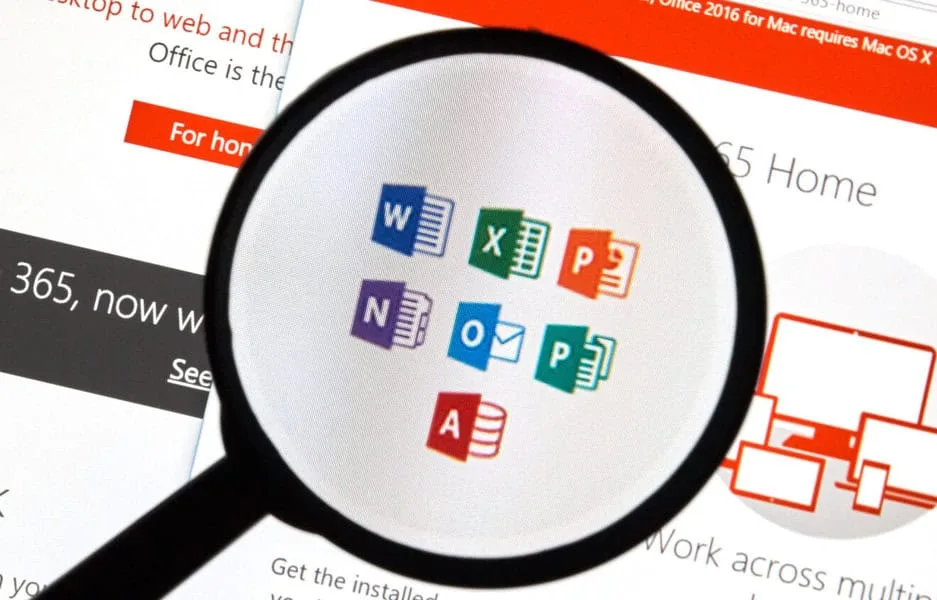
- Full Suite: Word, Excel, PowerPoint, OneNote, and Microsoft Teams.
- Massive Storage: 1TB of OneDrive cloud storage so you never lose a project.
- Collaboration: Access to OneNote Class Notebook and classroom tools designed for remote learning.
- Anywhere Access: Install on up to 5 devices, including iPads and Windows tablets.
Microsoft Office Education FAQ
Q: Who exactly is eligible for this?
A: Full-time and part-time students, as well as faculty and staff at qualifying academic institutions. You must have a valid school-specific email address (usually ending in .edu).
A: Full-time and part-time students, as well as faculty and staff at qualifying academic institutions. You must have a valid school-specific email address (usually ending in .edu).
Q: How long can I use Office 365 for free?
A: You can use it as long as you are enrolled or employed at a qualifying school. Microsoft will occasionally re-verify your eligibility.
A: You can use it as long as you are enrolled or employed at a qualifying school. Microsoft will occasionally re-verify your eligibility.
Q: Can I use these apps offline?
A: Yes! Once you download and install the applications to your PC or Mac, you can work offline. You only need an internet connection to sync your files to OneDrive or to receive software updates.
A: Yes! Once you download and install the applications to your PC or Mac, you can work offline. You only need an internet connection to sync your files to OneDrive or to receive software updates.
Q: What happens after I graduate?
A: Once your school email is deactivated or you graduate, your subscription will eventually expire. You will enter a “read-only” mode for your files until you transition to a personal paid plan or a different free version.
A: Once your school email is deactivated or you graduate, your subscription will eventually expire. You will enter a “read-only” mode for your files until you transition to a personal paid plan or a different free version.
Q: Is there a limit to how many devices I can use?
A: Yes, you can install Office on up to 5 PCs or Macs, 5 tablets, and 5 phones simultaneously.
A: Yes, you can install Office on up to 5 PCs or Macs, 5 tablets, and 5 phones simultaneously.
Looking for more ways to save on school tech? Check out our latest Teacher and Student Freebies here!