

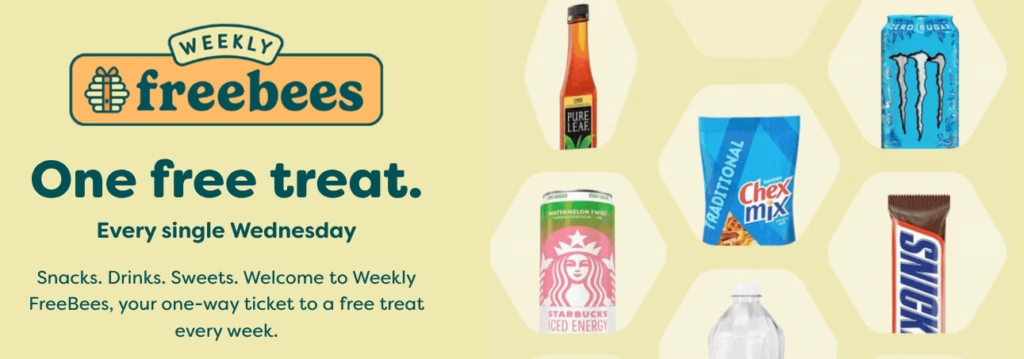
Bee’s Knees Benefits members can score a FREE item every Wednesday at participating stores! This week it is a Free Propel Fitness Water!
How to Get Your Wednesday Freebie:
- Download the App: Make sure you have the Bee’s Knees Benefits app installed and your location services turned on.
- Check the “Rewards” Tab: The freebie usually populates early Wednesday morning.
- Scan at Checkout: Head to your local participating store, grab the specific item, and scan your member barcode at the register.
Just be sure you’re signed up as a Bee’s Knees Benefits member to redeem your weekly freebie.
Bee’s Knees Freebie FAQ
Q: Do I have to buy anything to get the Wednesday freebie?
A: Most “Freebie Wednesday” items are truly free with no purchase required. However, you must scan your app to zero out the balance at the register.
A: Most “Freebie Wednesday” items are truly free with no purchase required. However, you must scan your app to zero out the balance at the register.
Q: What time does the coupon show up in the app?
A: Coupons typically go live at 12:01 AM on Wednesday morning. Popular items can “sell out” (reach their digital clip limit), so it’s best to clip the coupon early in the day!
A: Coupons typically go live at 12:01 AM on Wednesday morning. Popular items can “sell out” (reach their digital clip limit), so it’s best to clip the coupon early in the day!
Q: Can I save the freebie for Thursday?
A: No. These rewards are specifically for “Freebie Wednesday” and almost always expire at 11:59 PM on Wednesday night.
A: No. These rewards are specifically for “Freebie Wednesday” and almost always expire at 11:59 PM on Wednesday night.
Q: Is there a limit on how many I can get?
A: Yes, these are strictly limited to one free item per rewards account.
A: Yes, these are strictly limited to one free item per rewards account.
Q: Why don’t I see the freebie in my app?
A: Ensure your app is updated to the latest version and that you have selected a “Home Store” in your profile settings. Some regional variations may apply.
A: Ensure your app is updated to the latest version and that you have selected a “Home Store” in your profile settings. Some regional variations may apply.