
How to Use Amazon Subscribe & Save (And Actually Save Money)
Amazon’s Subscribe & Save program lets you save on everyday essentials — things like coffee, paper towels, vitamins, pet food, household supplies and more — by setting up recurring deliveries. You choose how often you want your items delivered, and you can change, skip or cancel subscriptions as needed.
What Is Subscribe & Save?
Simply put, you pick an eligible product, choose how often you want it delivered, and Amazon automatically sends it on your schedule.
Eligible Subscribe & Save items can include automatic discounts, and you may be able to save even more when you have 5 or more subscriptions arriving in the same delivery.
The nice part is that you’re still in control. You can change your delivery schedule, skip an upcoming shipment or cancel a subscription when you no longer need it.
The Benefits
Subscribe & Save can be a really easy way to save on things you buy regularly. Here’s what you get:
- Save up to 15% on eligible Subscribe & Save items, depending on the product and available discount
- Get additional savings on eligible items when you have 5 or more subscriptions arriving together
- Set a delivery schedule that works for you
- Skip upcoming deliveries when you don’t need an item yet
- Change your delivery frequency whenever needed
- Cancel subscriptions you no longer want
- Get a reminder before an upcoming delivery so you have time to make changes
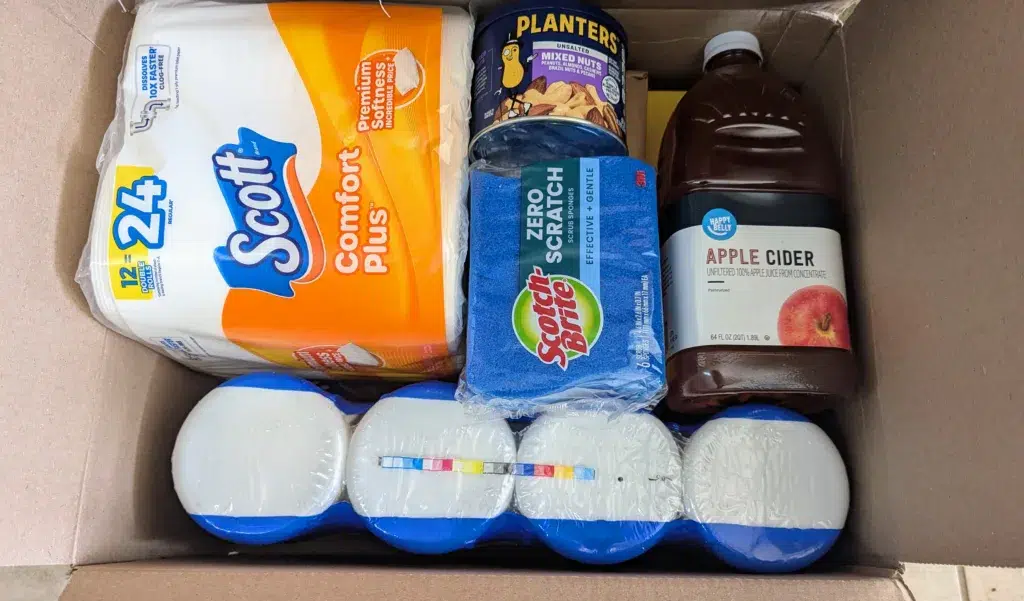
How to Set It Up
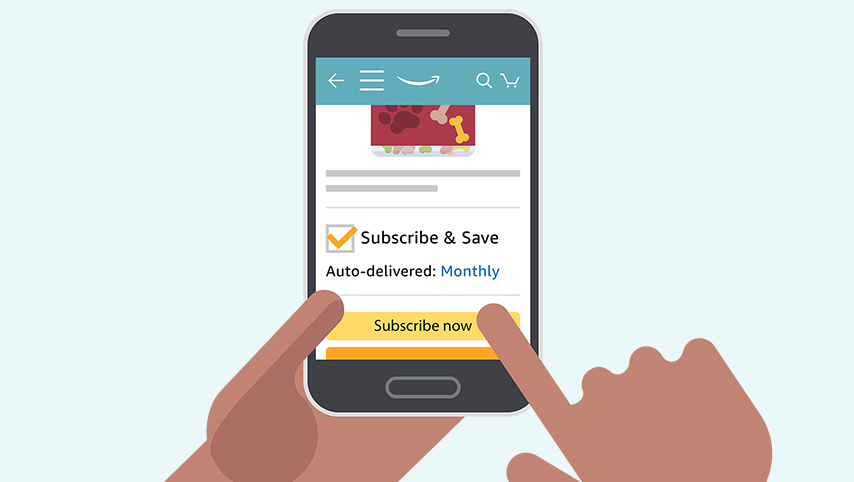
Setting it up only takes a minute. On an eligible Subscribe & Save product page, look for the “Subscribe & Save” option.
Choose the quantity and delivery frequency that makes sense for how quickly you’ll actually use the product. Then complete your order and Amazon will automatically schedule future deliveries.
Before another shipment is sent, check your upcoming deliveries. If you still have plenty left, you can skip the shipment or change the delivery date instead of ending up with a closet full of something you don’t need!
How to Cancel
If you decide you don’t want a subscription anymore, you can manage it through your Amazon account:
- Go to Amazon.com and log in.
- Open your Subscribe & Save Items.
- Select the subscription you want to manage.
- Choose the option to cancel the subscription and follow the prompts.
Don’t necessarily want to cancel? You can also skip an upcoming delivery or change how frequently the product arrives. That’s especially handy for products you still use but don’t go through as quickly as expected.
How to Get the Biggest Subscribe & Save Discount
This is where Subscribe & Save can get interesting. When you have 5 or more eligible subscriptions arriving together, Amazon may apply additional savings to those items.
The exact discount varies by product. Some items may only receive a smaller discount, while eligible products can reach a total savings of up to 15%.
Before your delivery date, check your upcoming subscriptions and see how many items you have scheduled. If you’re close to five, it can be worth checking Amazon’s Subscribe & Save items for something you already need.
SwagGrabber tip: Don’t add something you wouldn’t normally buy just to reach five subscriptions. The extra discount isn’t a deal if you’re spending money on something you don’t need!